My personal favorite in this latest update is the following:
More robust style revisions
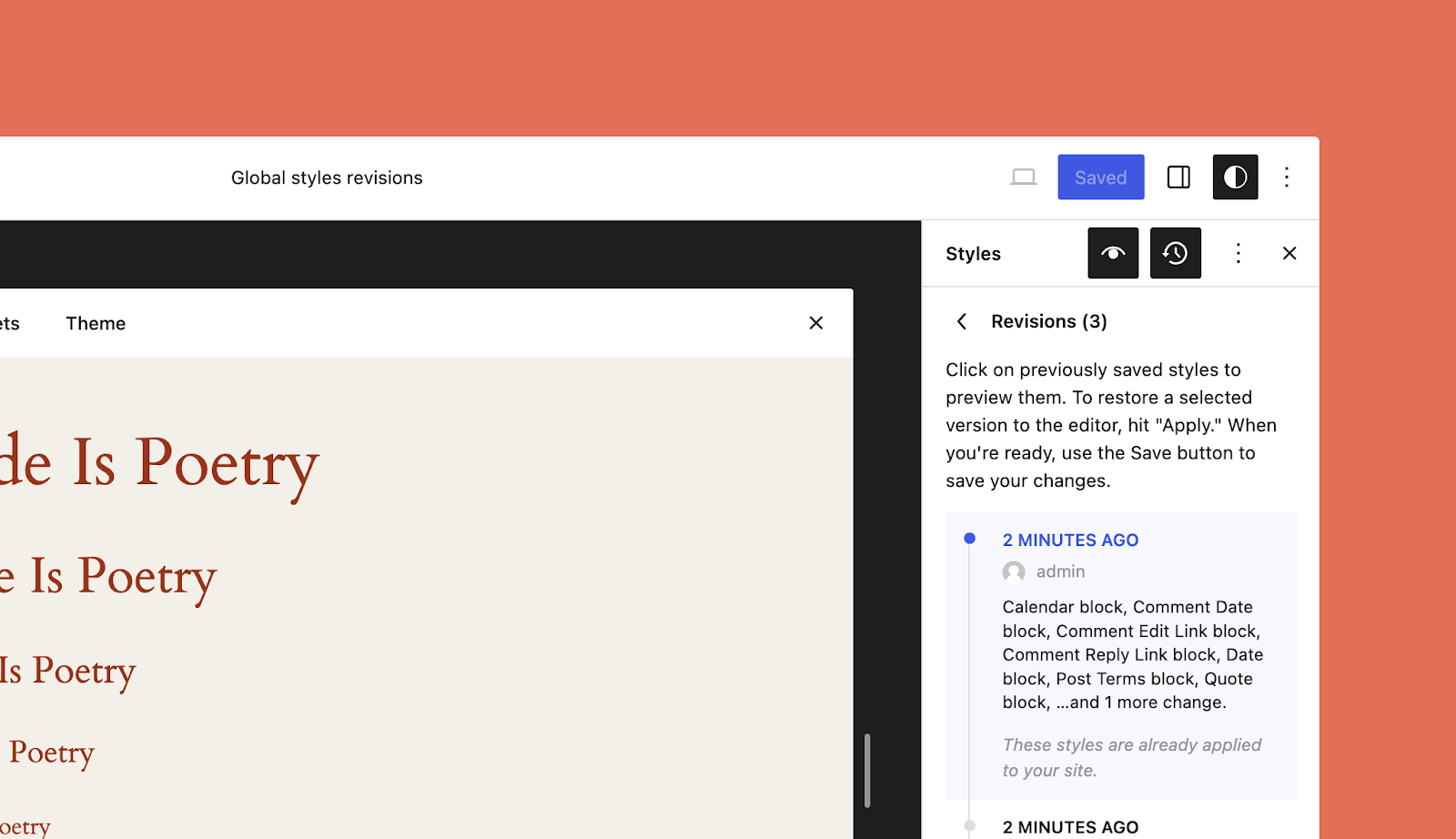
When you’re in the zone making changes to the look and feel of your site, you sometimes hit a dead end or realize that the version you had three or four font and color tweaks ago was a bit better. The updated style revisions pane gives you a robust, detailed log of the design changes you’ve made and makes turning back the clock easier with a one-click restore option to take you back to that perfect design.
Newly added pagination and more granular details make this feature even more powerful.
You can access style revisions from the Site Editor by clicking the “Styles” icon on the top right of the page, and then clicking the “Revisions” clock icon.
Find out what’s new in the WordPress Editor in the post below:


Leave a Reply